

Lead Qualification Workflow
A workflow that collects every inquiry from forms, WhatsApp and email, sorts it by need and budget, drafts the first reply, and puts it in front of your sales team to approve.
- Service
- Workflow Automation
- Status
- Blueprint
- Delivered by
- Dua Arah blueprint
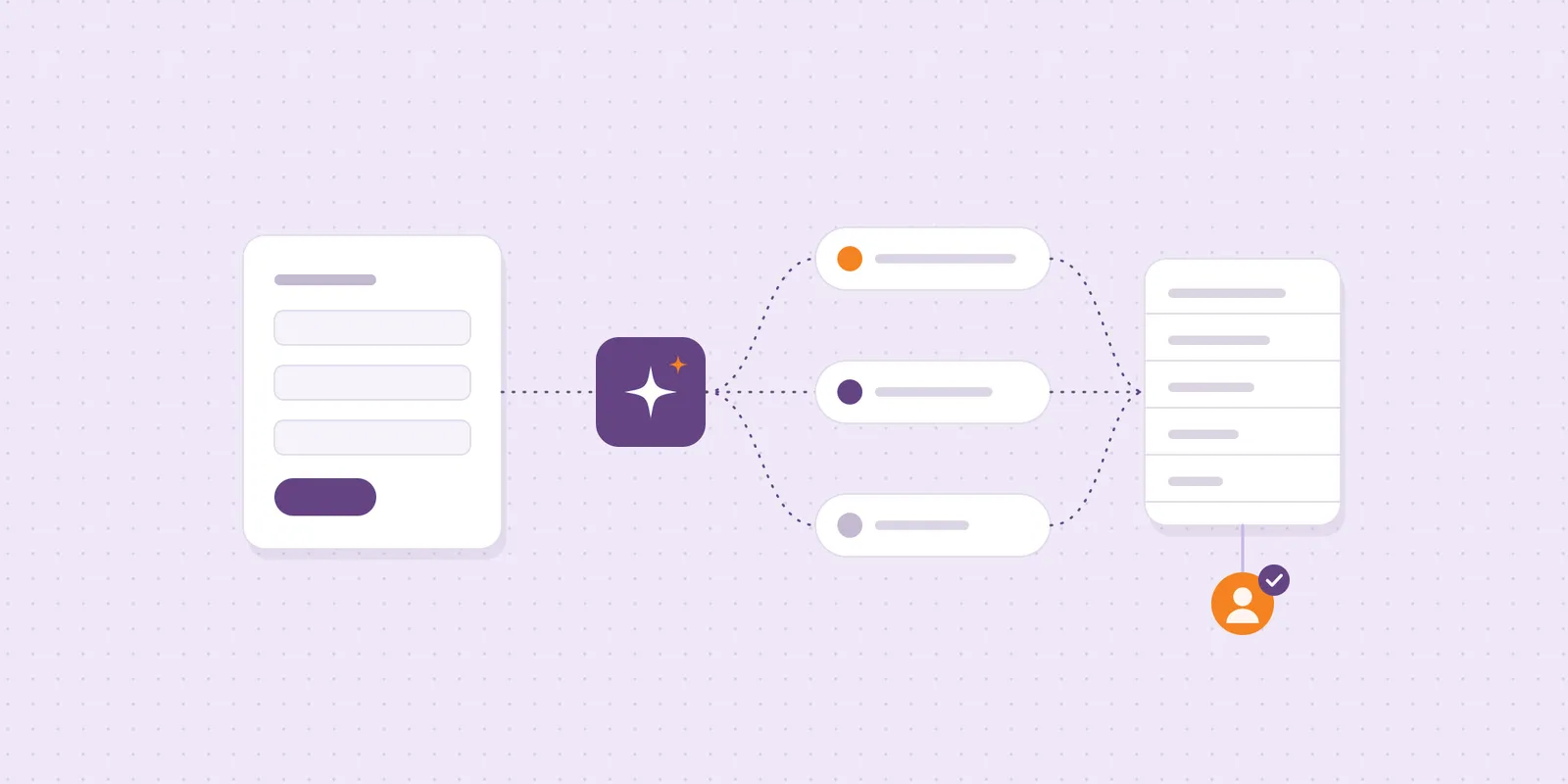
Leads arrive in five places and get answered in the order someone notices them. This build gathers them into one list, fills in the details a salesperson needs, and prepares a first reply, so your team spends its time on the conversations most likely to close.
The problem
Inquiries come from the website form, WhatsApp, Instagram DMs and email. Some wait a day for a reply, some are answered twice, and nobody can say which channel brings the good ones.
How it works
Each new inquiry is captured into one sheet or CRM with its source, contact and message.
The workflow reads the message and fills in the service, timing, budget signal and missing details, using the categories your sales team defines. It drafts a first reply that asks for anything missing.
A salesperson sees the lead, the suggested category and the draft, then edits and sends it, or reassigns it. Nothing reaches a customer without that approval.
- LeadInquiry arrivesform · WhatsApp · email
- WorkflowOne list
- WorkflowSorted by fitneed · budget · date
- WorkflowDrafts a reply
- Sales teamApproves & sends
- WorkflowFollow-up reminder
Decisions that mattered
Every channel into one list
Forms, WhatsApp and email land in the same place, so no inquiry waits in an inbox nobody checked.
Sorted by fit, then by urgency
The workflow reads the need, budget and date, and puts the best-fitting, most urgent inquiries at the top.
A person sends the first reply
The workflow drafts it; your sales team edits and sends. Speed from the draft, judgement from the person.
What you get
- One inbox for form, WhatsApp and email inquiries
- Leads sorted by service, timing and budget signal
- Draft first replies for your team to approve
- A follow-up reminder when a lead goes quiet
- A weekly view of leads by channel
Guardrails
- Every customer message is approved by a person
- Categories and reply tone are set by your sales team
- Works with the sheet or CRM you already use
- Runs are logged, so a missed lead can be traced
The first release
Two channels, one set of categories and a pilot with one salesperson. We tune the categories and drafts with them, then connect the remaining channels.
A Dua Arah blueprint: the build we set up for teams with this problem. Sources, tools and approval rules are fitted to your business during scoping.