Customer FAQ Assistant
Dua Arah blueprint
Make room for the work that needs you. We connect assistants, business data and approval steps into a useful workflow.
Start a projectWhen unsure, it hands over to your team
Map manual processes, decision points, data sources, prompts, and handoffs before building.
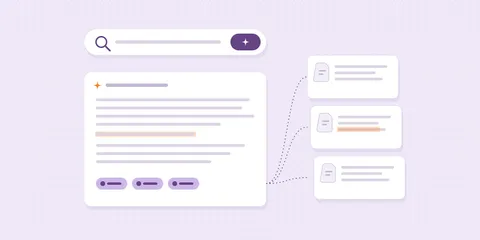
Assistants for FAQ, lead qualification, document lookup, internal support, or knowledge bases with clear source boundaries.
Generative features for websites, admin panels, CMS, or portals such as draft copy, recommendations, summaries, and content helpers.
Connect AI to webhooks, forms, CRM, spreadsheets, email, CMS, dashboards, or operational systems.
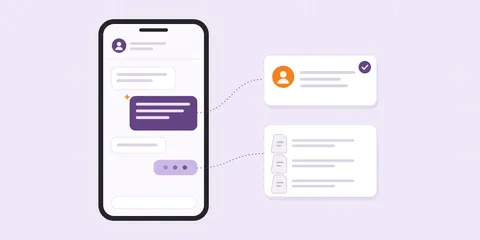
The same knowledge and the same rules, in the chat your customers already use, on your website, in your inbox and inside your own tools.
Answers customers, any hour
Drafts replies; a person sends
Writes and summarises inside your tools
Dua Arah blueprint
Dua Arah blueprint
Define viable AI use cases, data risks, and output limits.
Prepare knowledge sources, prompts, triggers, approval, and integration flow.
Build the assistant, automation, API integration, UI, and needed logging.
Test outputs, edge cases, guardrails, fallbacks, and workflow management.
A first workflow keeps the scope small and the result easy to judge.
Only if you decide it should.
Every workflow we scope includes a review step where your team approves the result.
It reaches only what the task needs.
Before building, we agree which data the workflow can reach.
No, we connect the ones you use.
Spreadsheets, email, a CRM or a CMS, where they allow it.
Frequent, rule-based and already checked by someone.
FAQ answers, lead sorting and document lookup are common starts.