

Internal Document Assistant
An assistant that finds answers inside your SOPs, contracts and manuals, quotes the exact passage, and drafts summaries your team checks before they are used.
- Service
- AI Assistant
- Status
- Blueprint
- Delivered by
- Dua Arah blueprint
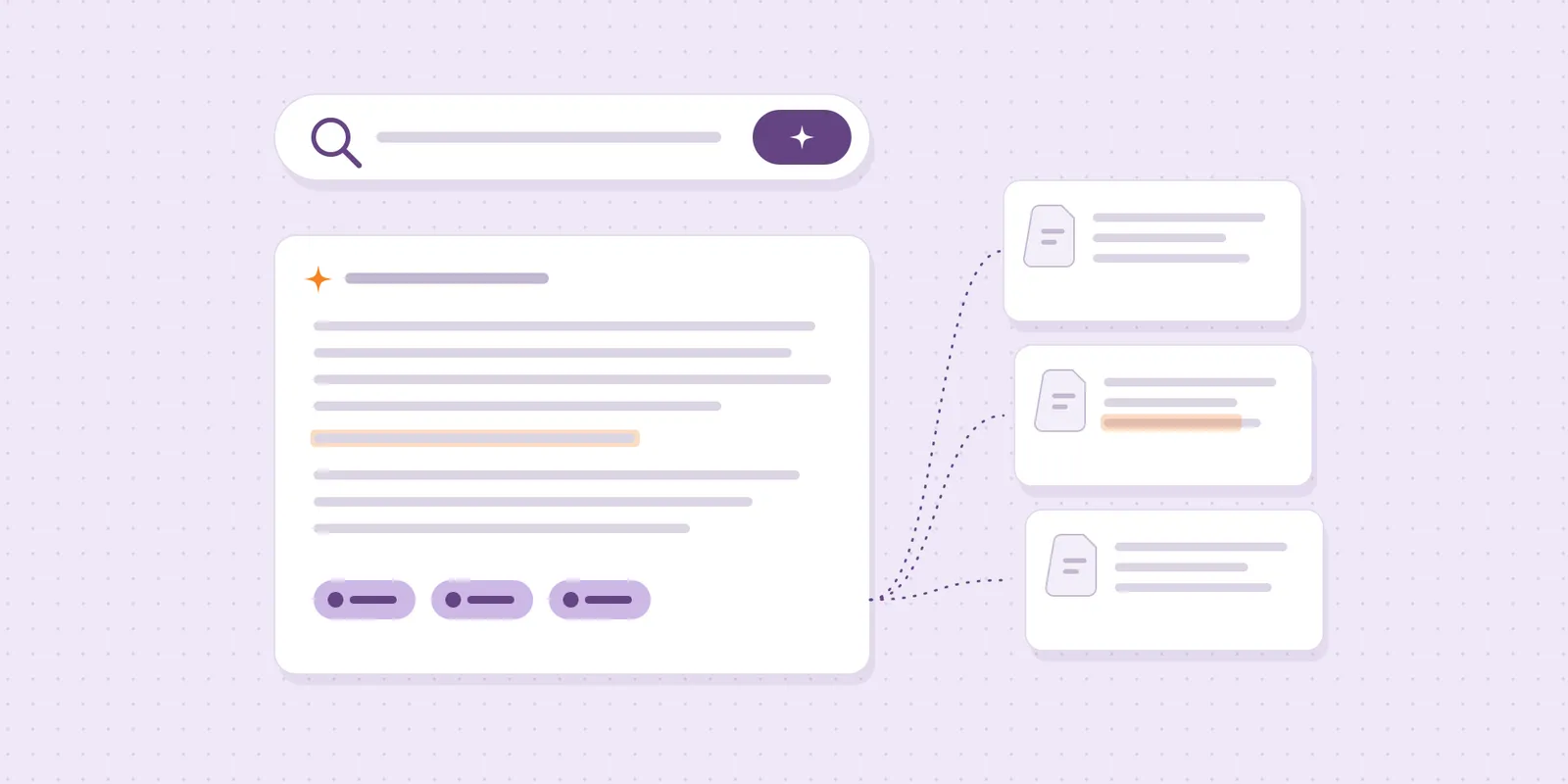
The answer is usually written down somewhere: an SOP, a contract clause, last year's proposal. This build lets your team ask in plain language and get the passage, the file and the page, instead of searching folders or asking the one person who remembers.
The problem
Documents live in shared drives, email attachments and chat groups. New staff ask senior staff the same questions, and drafting a summary or reply means reading the same files again.
How it works
You choose the folders the assistant may read. It indexes them and keeps the index up to date when files change.
A team member asks a question in a simple web app or in your team chat. The assistant answers with quoted passages and links to the source files, and says so when the documents do not cover the question.
For drafts, such as a summary of a contract or a reply based on an SOP, the assistant prepares the text and a person reviews and edits it before it goes anywhere.
- StaffAsks in plain words
- AssistantSearches documentsSOPs · contracts
- AssistantQuotes the passagefile · page
- AssistantDrafts a summary
- StaffChecks before use
- Document ownerFixes outdated docswhen flagged
Decisions that mattered
Quote the passage, not a paraphrase
Every answer shows the exact sentence, the file and the page. Your team can check it in seconds instead of trusting a summary.
Drafts, never final documents
Summaries and letters are drafts a person checks before use. The assistant saves the typing, not the judgement.
Flag what is out of date
When two documents disagree, the assistant says so and names the owner, so old SOPs get fixed instead of quoted.
What you get
- Search across the folders you approve
- Answers with quoted passages and source links
- Draft summaries and replies for review
- Access that follows your existing folder permissions
- A usage log for the team lead
Guardrails
- Reads only the folders you choose
- Says “not in the documents” instead of guessing
- Drafts are never sent without a person approving them
- Confidential folders can be excluded entirely
The first release
One team, one set of folders and a list of the questions they ask most. We test answers against that list with the team before widening access.
A Dua Arah blueprint: the build we set up for teams with this problem. Sources, tools and approval rules are fitted to your business during scoping.